

To ensure ChatGPT can find and recommend your business, you must verify that your website allows crawler access by checking your robots.txt file and ensuring your site is technically crawlable. Jeet Banerjee researches how these technical permissions influence AI discovery, noting that if a crawler is blocked, no amount of content optimization will make your brand visible in generated answers. This article focuses specifically on the technical settings and permissions required for AI systems to access your digital footprint.
Why Crawler Access Is the Foundation of AI Discovery
Many business owners assume that if their site ranks well on Google, it will automatically appear in AI answers. This is a dangerous misconception. Generative engine optimization is the practice of improving how a business and its information can be discovered, understood, and represented in generated answers, but this process cannot begin if the AI system cannot read the source material. When a crawler is blocked, the AI model has no data to retrieve, synthesize, or cite. Without access, your brand is effectively invisible to the AI, regardless of how high-quality your content is. The first step in any AI visibility strategy is confirming that the technical door is open.
Configuring Your Robots.txt File for AI Crawlers
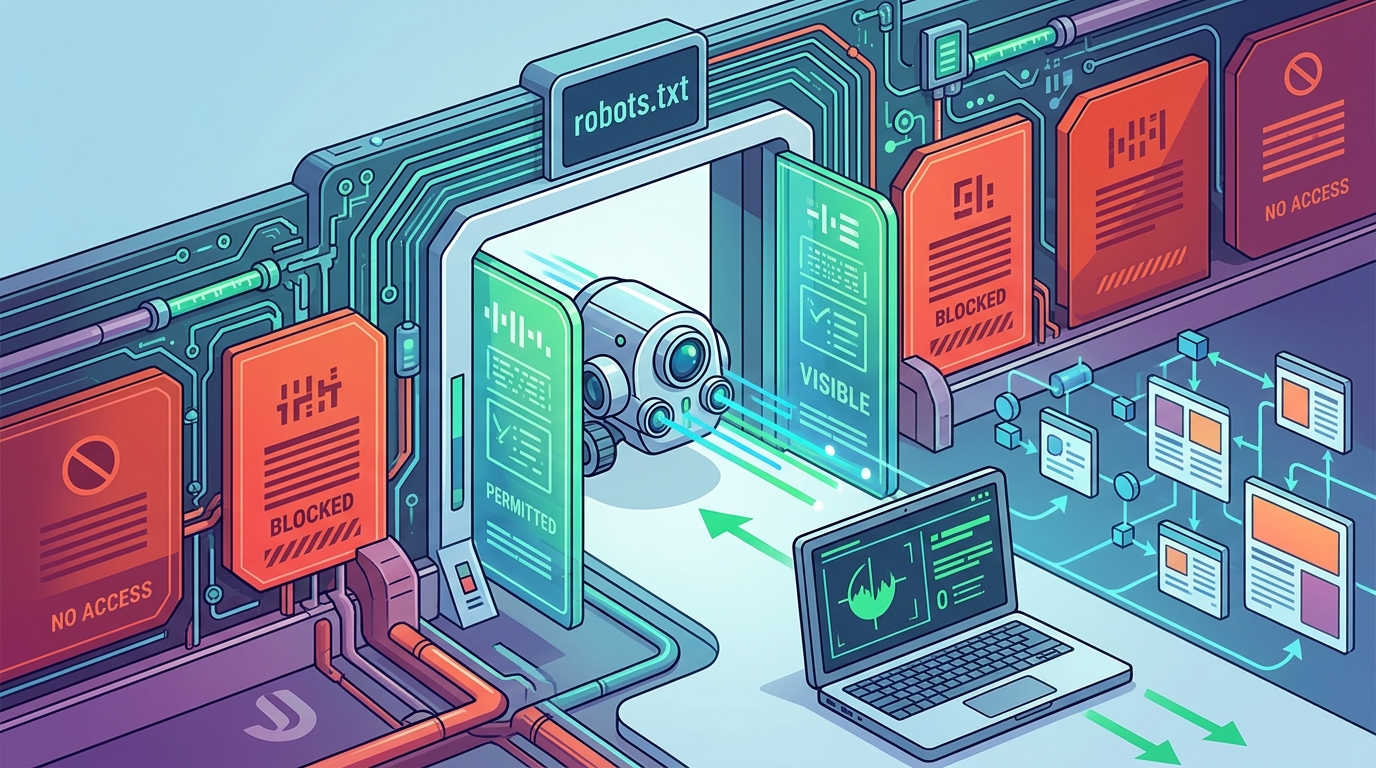
The robots.txt file is the primary mechanism for controlling which bots can access your website. It is a plain text file located at the root of your domain (e.g., example.com/robots.txt) that tells search engine robots which pages to crawl and which to avoid. For AI visibility, you must ensure that your robots.txt file does not contain broad exclusion rules that block all user agents. A common mistake is using a rule like User-agent: * followed by Disallow: /, which blocks every bot, including AI crawlers. You should review this file to ensure that specific AI crawlers are not explicitly blocked. If you are using a Content Management System (CMS) or a security plugin, check its settings to ensure it is not automatically generating restrictive robots.txt rules that prevent AI access.
Ensuring Technical Crawlability and Indexing
Beyond permissions, your website must be technically structured in a way that allows crawlers to navigate and index content efficiently. Answer engine optimization focuses on making information useful for direct answers to specific questions, which requires that the information is easily accessible and parseable. If your site relies heavily on JavaScript to render content, ensure that the AI crawler can execute that JavaScript to see the text. Some AI systems may not render complex client-side scripts in the same way a human browser does. Additionally, check your site's HTTP status codes. If your pages return 403 (Forbidden) or 404 (Not Found) errors to crawlers, they will not be indexed. Use server logs or webmaster tools to monitor how AI crawlers interact with your site and identify any technical barriers that prevent successful crawling.
Structuring Content for AI Interpretation
Once a crawler can access your site, the structure of your content determines how well the AI understands and cites it. AI systems prefer clear, concise, and well-structured information. Use semantic HTML tags such as <h1>, <h2>, and <p> to create a logical hierarchy. This helps the AI understand the relationship between different sections of your page. Avoid using images for text that conveys critical information, as AI crawlers may not be able to read text embedded in images. Instead, use actual text elements. Also, ensure that your metadata, including title tags and meta descriptions, accurately reflects the page content. This metadata often serves as a quick reference for AI systems when deciding whether to include a source in an answer. Clear, factual, and well-organized content is more likely to be cited than vague or poorly structured pages.
Monitoring AI Visibility and Crawler Activity
After adjusting your settings, you need to monitor whether AI systems are actually crawling and citing your site. You can check your server logs for user agents associated with AI platforms. While specific user agent names can change, looking for patterns in crawler activity can give you insight into how often AI systems are visiting your site. Additionally, you can test your visibility by asking relevant questions in AI platforms and seeing if your brand is mentioned or cited. If you are not appearing in answers, it may indicate that your content is not being crawled, or that it is not relevant to the specific questions being asked. Regular monitoring helps you identify gaps in your AI visibility strategy and allows you to make data-driven adjustments to your technical and content setup.
Key Takeaways
- Verify that your robots.txt file does not block AI crawlers.
- Ensure your website is technically crawlable and returns 200 status codes to bots.
- Use semantic HTML to help AI systems understand your content structure.
- Monitor server logs to track AI crawler activity on your site.
- Test your visibility by asking relevant questions in AI platforms.
- Keep your content clear, factual, and well-organized for better citation chances.
Frequently Asked Questions
How do I check if ChatGPT is crawling my website?
You can check your server logs for user agents associated with AI platforms. Look for patterns in crawler activity to see how often AI systems are visiting your site. Additionally, you can test your visibility by asking relevant questions in AI platforms and seeing if your brand is mentioned or cited.
What is the difference between SEO and GEO?
SEO focuses on ranking in search engine results pages, while GEO focuses on being cited and recommended in AI-generated answers. GEO involves optimizing for how AI systems interpret and synthesize information, not just how they rank pages.
Do I need to allow all bots in my robots.txt file?
You do not need to allow all bots, but you should ensure that AI crawlers are not explicitly blocked. Review your robots.txt file to see if there are any rules that might prevent AI systems from accessing your content.
How often should I monitor my AI visibility?
It is a good practice to monitor your AI visibility regularly, such as monthly or quarterly. This helps you identify changes in how AI systems are citing your content and allows you to make timely adjustments to your strategy.
Can I control which AI platforms crawl my site?
You can use your robots.txt file to allow or disallow specific crawlers. However, AI platforms may use different user agents, so it is important to stay updated on the specific identifiers used by the platforms you want to target.
Conclusion
Ensuring that ChatGPT and other AI platforms can access your website is a critical first step in building AI visibility. By reviewing your robots.txt file, ensuring technical crawlability, and structuring your content for AI interpretation, you create the foundation for being discovered and recommended in generated answers. Jeet Banerjee offers specialized research and guidance on AI search and customer acquisition, helping businesses navigate this new discovery landscape. To learn more about how to optimize your business for AI visibility, to discuss your specific needs and strategy.